
The Two Pillars of Self-Publishing
The journey from a blank page to a published book is a two-part battle: Writing and Formatting. You need a tool to manage the chaos of a 100,000-word manuscript, and you need a tool to transform that manuscript into a beautiful, professional file ready for Amazon and print.
Scrivener and Vellum are the two most beloved tools in the self-publishing world, but they serve fundamentally different masters. Scrivener is for the writer; Vellum is for the publisher. Many authors mistakenly believe they must choose one or the other. The truth is, they work best as a powerful, one-two punch.
Choosing the wrong tool for the wrong job is the fastest way to frustration. Let’s break down which one you need first, and how to use them together.
The Quick Verdict
You should buy Scrivener first—it is the essential tool for managing the writing process of any long-form work. Once your manuscript is finalized, you should use Vellum for the final, professional-grade formatting, as its results are unmatched in the industry.
Quick Verdict: At-a-Glance Comparison
Feature | Scrivener | Vellum | Winner |
Primary Function | Writing, Organization, Research | Ebook & Print Formatting | Tie (Different purposes) |
Price Model | One-Time Fee (~$59) | Free to Use, Pay to Generate ($199 for Ebook, $249 for Print) | Scrivener (Cheaper entry) |
Learning Curve | Steep (High Power) | Shallow (High Simplicity) | Vellum |
Best For | Drafting, Outlining, Research Management | Final Polish, Professional Output | Tie |
Affiliate Commission | 20% flat fee | None (No public affiliate program) | Scrivener |
Primary Function: The Writer vs. The Publisher
The most common mistake authors make is trying to use a writing tool for formatting or a formatting tool for writing.
Scrivener: The Ultimate Writing Management System
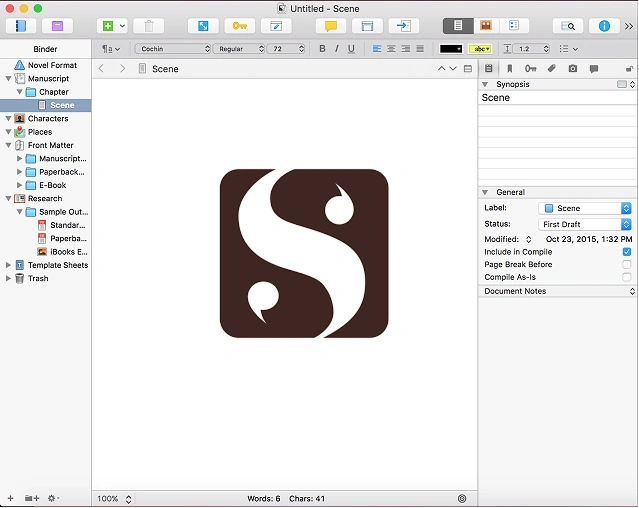
Scrivener is a digital binder. It allows you to break your novel into small, manageable chunks (scenes, chapters, character notes, world-building documents) and organize them on a virtual corkboard.
- Organization: You can drag and drop scenes, view your entire manuscript as index cards, and keep all your research (images, PDFs, websites) inside the project file.
- Drafting: It’s built for the messy, iterative process of writing. You can set word count goals, track your progress, and view multiple documents side-by-side.
- The Power: It solves the “blank page syndrome” by letting you focus on one small scene at a time, while keeping the entire structure visible.
Vellum: The Professional Formatting Engine
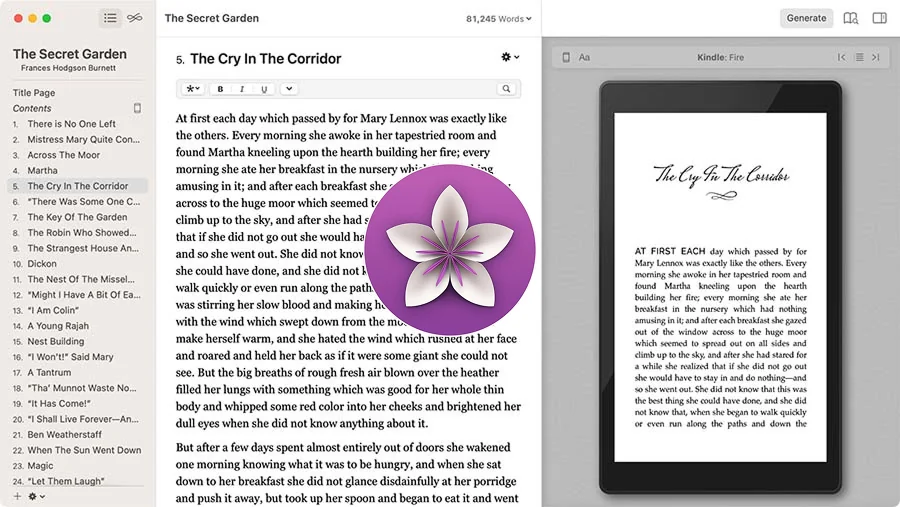
Vellum does one thing and one thing exceptionally well: It makes your book look beautiful. It takes a clean manuscript (usually exported from Scrivener or Word) and instantly transforms it into professional-grade Ebook and Print files.
- Simplicity: There are no complex settings. You choose a style (Modern, Classic, etc.), and Vellum handles all the typography, chapter headings, drop caps, and front/back matter instantly.
- Output Quality: The files Vellum generates are the gold standard. They look fantastic on every device (Kindle, Kobo, Nook) and produce a flawless Print-on-Demand PDF.
- The Catch: Vellum is only available for Mac users.
Pricing and Accessibility: The Mac vs. PC Divide
The cost and accessibility of these tools are major differentiators.
Scrivener: Affordable and Cross-Platform
- Cost: ~$59 (One-Time Fee)
- Platform: Available for Mac, PC (Windows), and iOS.
- Affiliate Potential: High. Scrivener has a public affiliate program with a 20% commission.
Scrivener is accessible to virtually every author, regardless of their operating system. Its one-time fee makes it a low-risk investment for any serious writer.
Vellum: Mac-Only and Output-Based Pricing
- Cost: Free to download and use. You only pay when you want to generate the final, publishable files.
- Ebook Generation: $199.99
- Ebook + Print Generation: $249.99
- Platform: Mac Only. This is the biggest barrier to entry. PC users must use a workaround (like a virtual Mac machine) or an alternative.
- Affiliate Potential: None. Vellum does not have a public affiliate program.
Winner: Scrivener for accessibility and affordability. Vellum for the quality of the final product.
The Formatting Showdown: Why Vellum Wins the Final Mile
While Scrivener can compile and export Ebook and Print files, Vellum’s output quality is superior.
Scrivener’s Compilation: Functional but Fussy
Scrivener’s “Compile” feature is incredibly powerful, allowing you to customize every aspect of your output.
- The Problem: This power comes with complexity. Getting a clean, professional-looking Ebook or Print PDF out of Scrivener requires a steep learning curve, custom templates, and hours of troubleshooting.
- The Result: Scrivener’s default output often looks generic or requires significant tweaking to meet Amazon’s print specs.
Vellum’s Formatting: Instant and Flawless
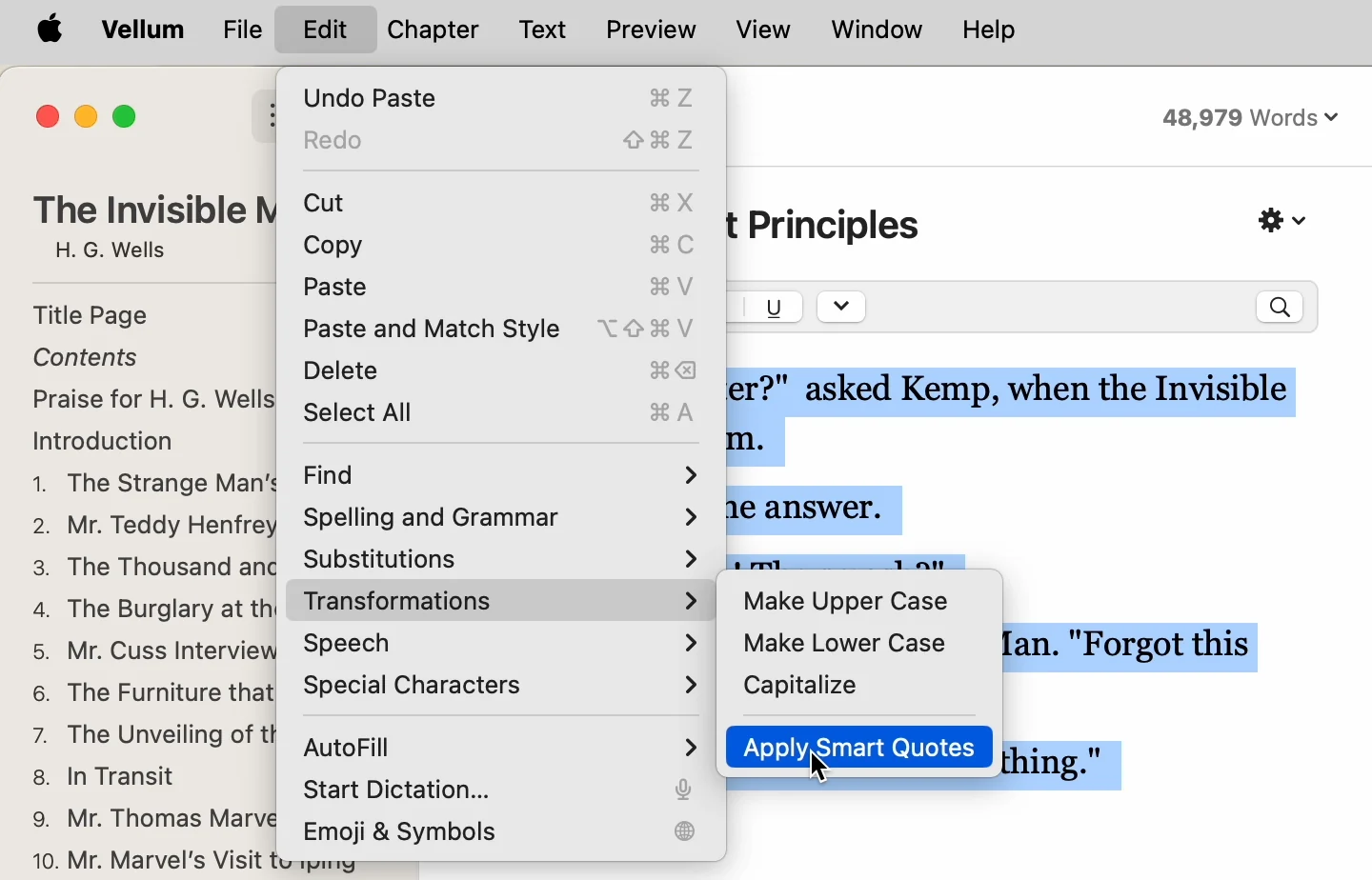
Vellum is a “zero-effort” tool. You import your manuscript, click a few style options, and it instantly generates files that look like they came from a major publishing house.
- Front/Back Matter: Vellum automatically handles complex elements like “Also By,” title pages, dedication, and table of contents perfectly.
- Print PDF: Vellum’s Print PDF is perfectly spaced, has beautiful typography, and meets all the required bleed and margin settings for KDP and IngramSpark.
The Ideal Author Workflow: A Powerful Partnership
The most successful self-published authors use both tools in a specific sequence:
Phase 1: Writing (Scrivener)
- Use Scrivener for all drafting, note-taking, and structural organization.
- Benefit: Focus on the story, not the formatting.
Phase 2: Editing (ProWritingAid/Human Editor)
- Export the final draft from Scrivener to a clean Word document.
- Run it through ProWritingAid for deep style analysis (as discussed in Post 1).
- Send it to your human editor.
Phase 3: Final Formatting (Vellum)
- Import the final, edited manuscript into Vellum.
- Select the desired style and generate all Ebook and Print files.
- Benefit: The final product is professional and error-free.

Final Verdict: Which Tool to Buy First?
If you are a new author with a budget for only one tool, the choice is clear:
Buy Scrivener First If…
- You are still writing your first draft.
- You struggle with organization and plot structure.
- You are on a PC (Windows) or a Mac.
- Your Goal: Finish the book and manage the writing process efficiently.
Invest in Vellum Later If…
- You have a final, edited manuscript.
- You are a Mac user.
- You want the absolute best formatting quality without the headache of learning complex software.
- Your Goal: Create a flawless, professional final product.