The Visual Battle for Attention
In the age of Instagram, TikTok, and Facebook, a great book cover is no longer enough. Authors must constantly create engaging visual content: 3D book mockups, quote graphics, ad banners, and social media headers.
BookBrush and Canva Pro are the two leading tools for authors to create these visuals without hiring a designer. Canva Pro is the versatile, all-purpose design behemoth, while BookBrush is the highly specialized, author-focused tool.
Which one deserves your subscription fee?
The Quick Verdict
For the author who needs a single, all-purpose tool for everything (social media, presentations, general graphics), Canva Pro is the winner due to its versatility and massive asset library. However, for the author whose primary focus is just creating professional 3D book mockups and video ads, BookBrush is faster and more specialized.
Quick Verdict: At-a-Glance Comparison
Feature | BookBrush | Canva Pro | Winner |
Primary Focus | Book Mockups, Video Ads, Author Templates | General Design, Presentations, Social Media | Canva Pro (Versatility) |
Asset Library | Limited (Author-specific) | Massive (Millions of Photos, Elements) | Canva Pro |
3D Mockups | Excellent, Fast, Easy | Good, but more complex to create | BookBrush |
Affiliate Commission | Good (Recurring) | Excellent (Recurring) | Canva Pro |
Best For | Quick, professional book promo | All-in-One Design Solution | Canva Pro |
Author-Specific Templates and Mockups
This is the most critical difference. BookBrush is built only for authors.
BookBrush’s Specialization
BookBrush’s entire library is pre-loaded with author-specific templates.
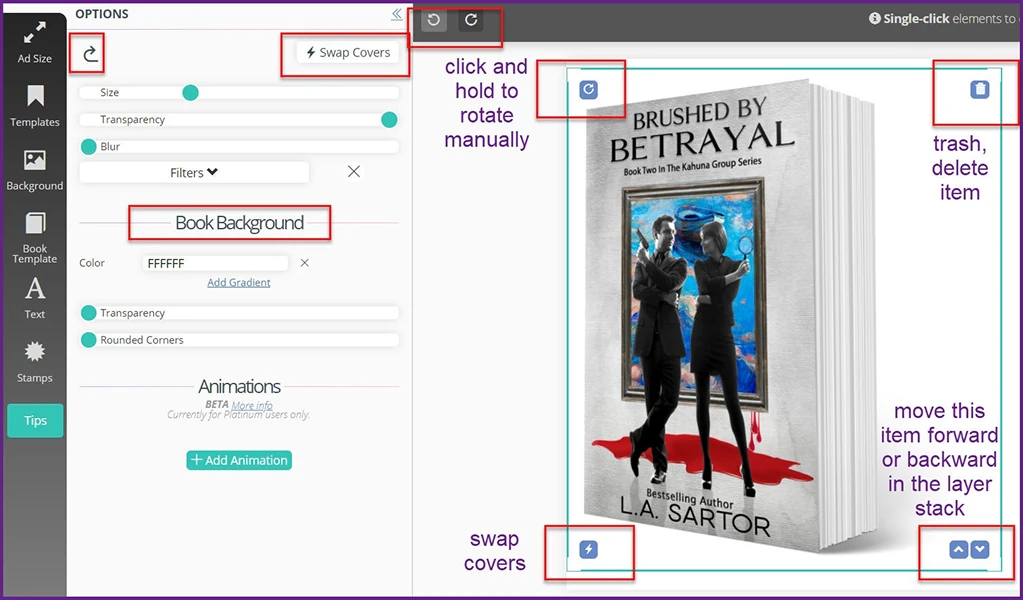
- 3D Mockups: Instantly turn your 2D cover image into a 3D book, a stack of books, or a book held by a hand. This is its killer feature.
- Video Ads: Easy-to-use templates for creating short, eye-catching video ads for Facebook and Instagram.
- Cover Creator: A simple tool for creating quick, basic covers.
Canva’s Versatility
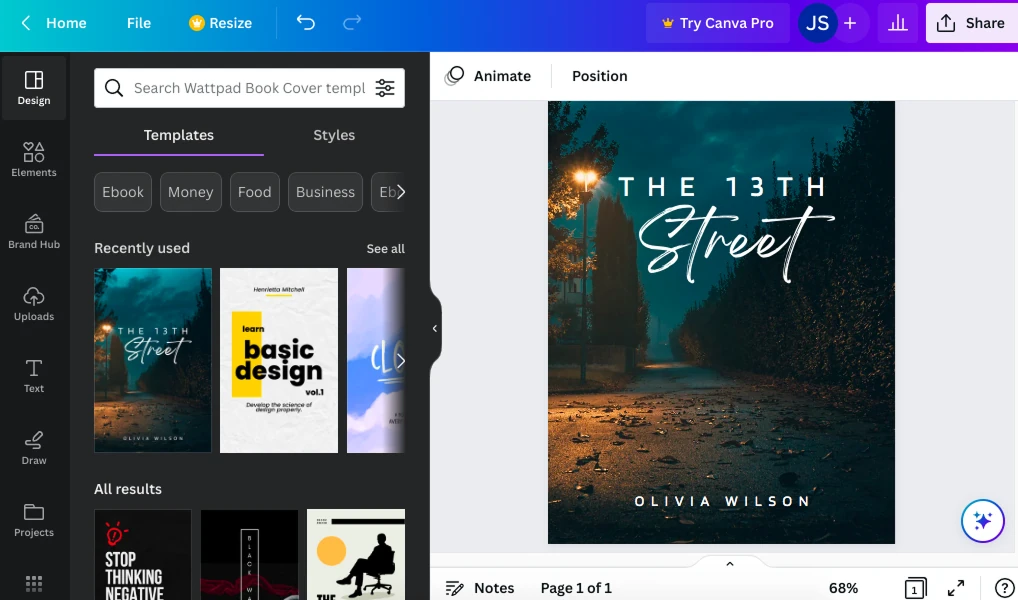
Canva has millions of templates, but you have to search for the author-specific ones. Creating a 3D book mockup in Canva requires more steps, often involving third-party apps or complex layering.
Winner: BookBrush for speed and ease of creating professional book mockups.
Asset Library and General Design
Canva Pro’s Asset Library
Canva Pro is a design ecosystem. It includes:
- Millions of stock photos, videos, and graphic elements.
- Brand Kit: Save your author brand colors, logos, and fonts.
- Background Remover: Instantly remove the background from any image (a feature authors use constantly).
BookBrush’s Asset Library
BookBrush’s library is smaller but highly curated for authors. It focuses on backgrounds and elements relevant to books and reading.
Winner: Canva Pro. Its sheer volume of assets and general design features make it the superior all-in-one tool.
Pricing and Affiliate Potential
Canva Pro’s Recurring Commission
Canva Pro has an excellent affiliate program, often paying a healthy recurring commission on the monthly or annual subscription.
BookBrush’s Commission
BookBrush also offers a good recurring commission, but its lower price point means the payout is smaller.
Winner: Canva Pro for higher recurring revenue potential.
Final Verdict: Who Should You Choose?
Choose Canva Pro If…
- You need an all-in-one design tool for social media, presentations, and general graphics.
- You want access to a massive library of stock photos and elements.
- You want the best recurring affiliate commission potential.
- Your Goal: Design everything from your author logo to your Instagram stories in one place.
Choose BookBrush If…
- You only need to create professional 3D book mockups and video ads.
- You want the fastest, easiest way to create author-specific promotional graphics.
- Your Goal: Speed up your book promo graphic creation without learning complex design.